Minecraft Texture Packs Mega Guide Best Realistic, HD, Java & Bedrock Packs 2026
Minecraft has always been a world of limitless creativity, but the true magic begins when you customize its visuals with high-quality texture packs. Whether you enjoy realistic graphics, HD visuals, stylized pixel art, or futuristic transformations, texture packs completely change the way you experience Minecraft. In 2026, dozens of new packs have emerged better, more detailed, and more optimized for both Java Edition and Bedrock Edition.
This guide will walk you through everything: what texture packs are, why they matter, the best packs of 2026, how to choose the right ones, and how to install them easily on your device. If you want your world to feel more immersive, beautiful, or refreshingly different, this complete 2026 guide will help you get started.
What Exactly Are Minecraft Texture Packs?
Texture packs are visual upgrades that replace the original blocks, items, mobs, and environmental textures in the game. Every element from grass and sky to swords and armor can be re designed to look smoother, more detailed, more realistic, or even cartoony.
They don’t change gameplay.
They don’t require mods.
They simply change how Minecraft looks.
Texture packs are available for:
Some packs are light and beginner friendly, while others include ultra HD textures best used with strong GPUs. In 2026, texture packs have become more optimized, meaning even medium spec systems can enjoy high quality visuals
Why Texture Packs Matter in 2026
Minecraft has thousands of fan-made upgrades, but why do players use them? Here’s why texture packs are so popular:
1. Transform Your World Completely
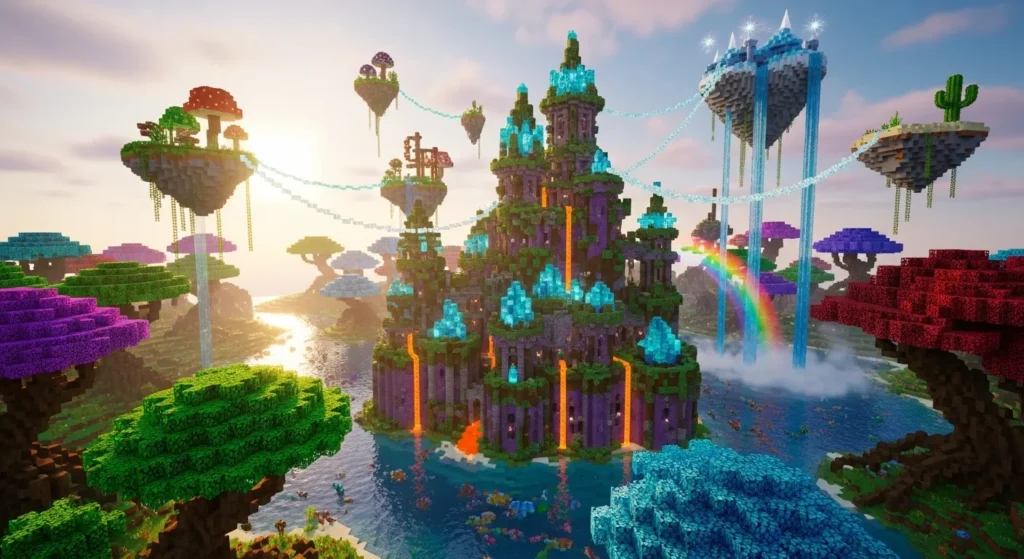
Texture packs redefine the game’s entire atmosphere
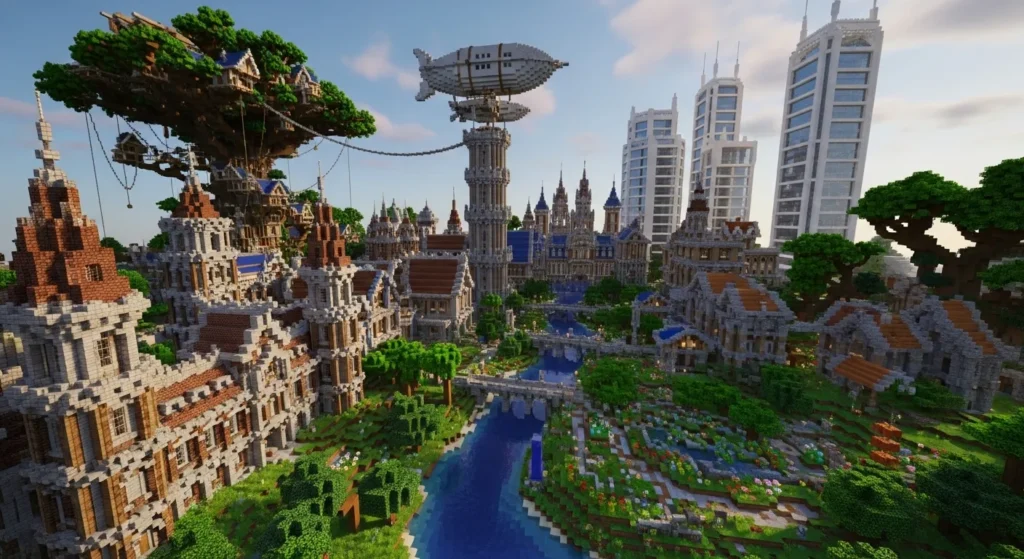
2. Better Building Visuals
Builders rely on texture packs to:
This makes building far more satisfying.
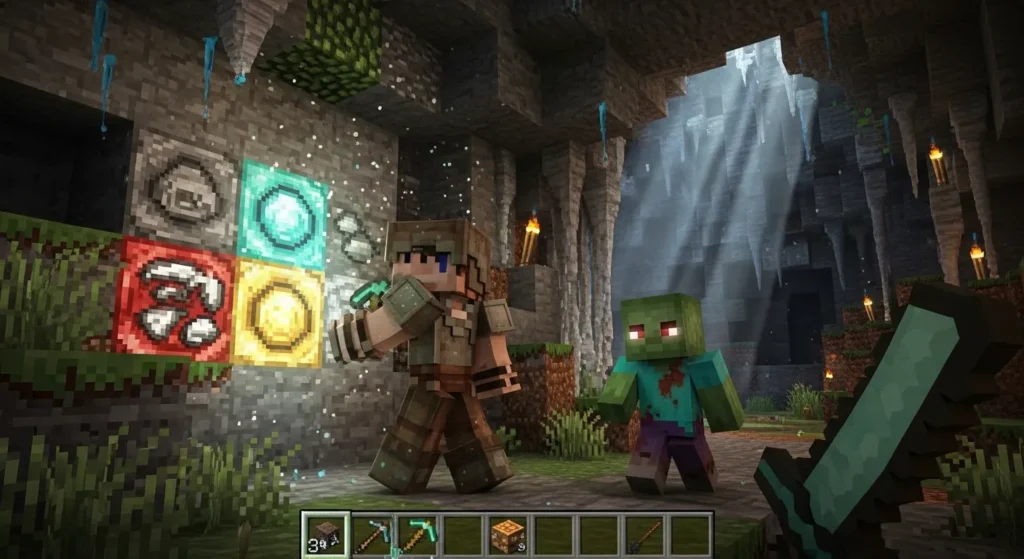
3. Enhanced Survival Experience
From crafting tools to exploring caves, everything becomes more immersive. Realistic ores, glowing lights, and high-detail mobs make survival feel new again.
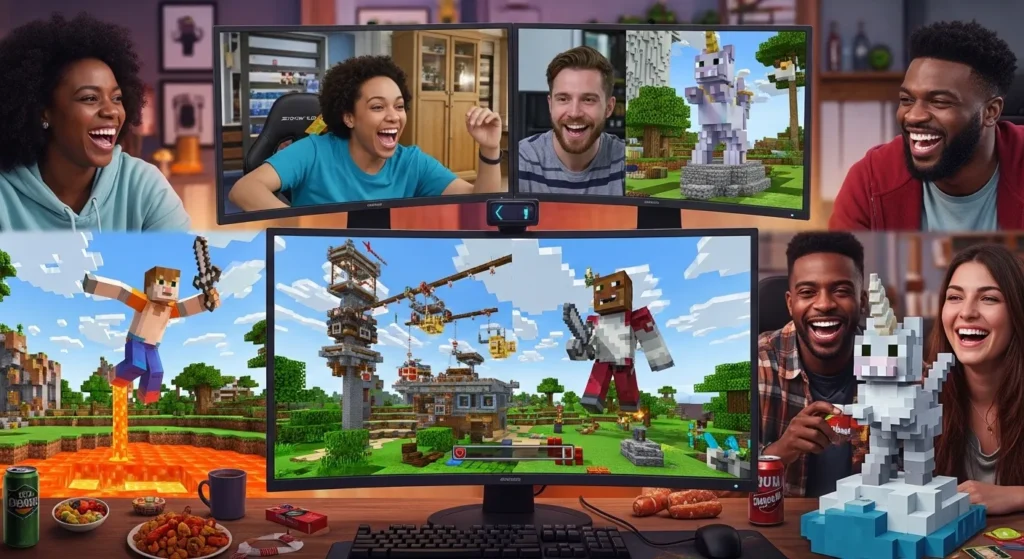
4. More Enjoyable Multiplayer
Texture packs level up multiplayer gameplay dramatically.
Types of Texture Packs Popular in 2026
Not every pack is the same. They are available in multiple styles and resolutions.
1. Realistic Texture Packs
These packs focus on natural detail:
Perfect for survival players and builders.
2. HD Texture Packs
These packs focus on crisp, high-resolution visuals such as:
Everything becomes sharp, polished, and visually clean.
3. Faithful / Default-Style Packs
These maintain Minecraft’s original look but make the textures refined, consistent, and high quality.
4. Cartoon & Fantasy Packs
Great for players who love:
Perfect for roleplay and adventure maps.
5. PvP Texture Packs
Optimized for competitive players with:
Helps increase visibility and performance.
Best Minecraft Texture Packs of 2026 (Java & Bedrock)
Here are the top-rated texture packs that dominated 2026:
1. Realistico Ultra HD 2026
Style: Realistic HD
Best for: Java Edition
One of the most advanced packs ever created. Realistico uses photo-realistic materials, smooth block surfaces, and ultra-detailed textures that respond beautifully with shaders. Stones look like real rocks, and wood grains look natural.
2. Faithful 64x / 128x (2026 Version)
Style: Clean, upgraded default
Best for: Both Java & Bedrock
Faithful maintains Minecraft’s original charm but doubles or quadruples the quality. It’s a perfect choice for players who love classic visuals but want everything sharper and cleaner.
3. PureBDcraft (2026 Edition)
Style: Comic, stylized
Best for: Java + Bedrock + Mobile
PureBDcraft’s comic-book art style makes everything feel vibrant and animated. Mobs, items, and blocks get a detailed and creative twist.
4. Luna HD 2026
Style: Modern HD texture pack
Best for: High-end systems
Perfect for buildings, mansions, and city worlds. Luna HD provides reflective materials, smooth textures, and modern color palettes.
5. Bare Bones 2026
Style: Minimalistic
Best for: All devices (very light)
Bare Bones simplifies Minecraft with clean, flat colors that look fresh and modern. Great for low-end devices.
6. Default 3D 2026
Style: 3D block enhancements
Best for: Java Edition
Default 3D adds depth to blocks by giving them actual thickness and 3D details—like 3D rails, furnaces, crafting tables, and plants.
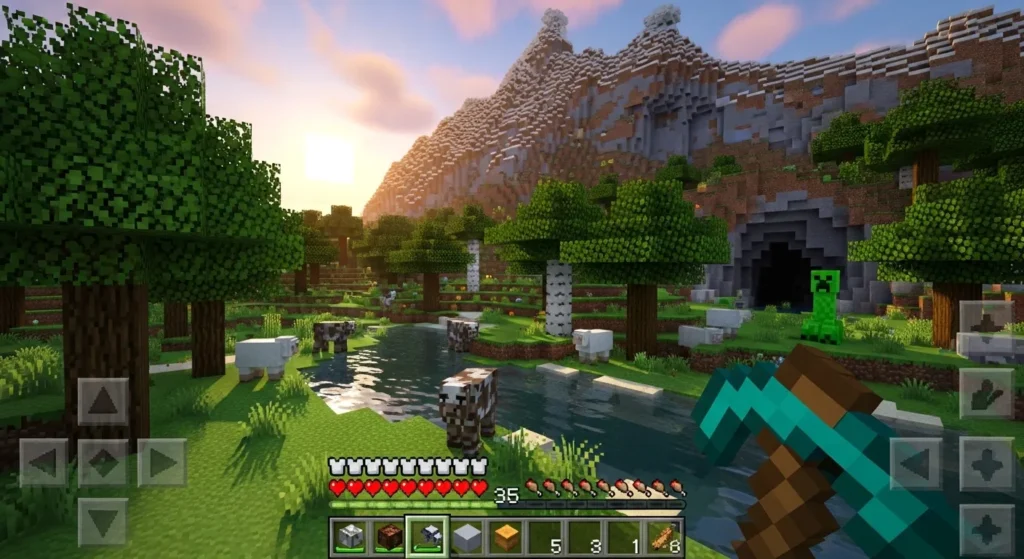
Minecraft Java vs Bedrock Texture Packs Are Better in 2026?
Java Edition
Best for high-end visual upgrades.
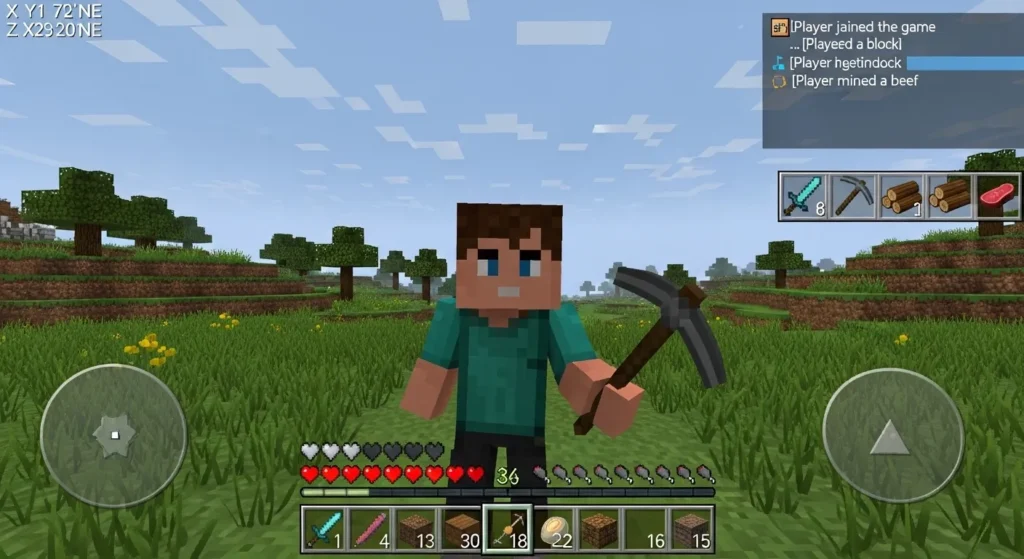
Bedrock Edition
Best for mobile, consoles, and casual players.
How to Choose the Right Texture Pack in 2026
Choosing the perfect pack depends on your gameplay style.
For Builders
These packs enhance details and help in designing detailed structures.
For Survival Players
These packs keep things realistic but not too heavy.
For Low-End Devices
They maintain performance while improving visuals.
For PvP Players
These packs minimize distractions during battles.
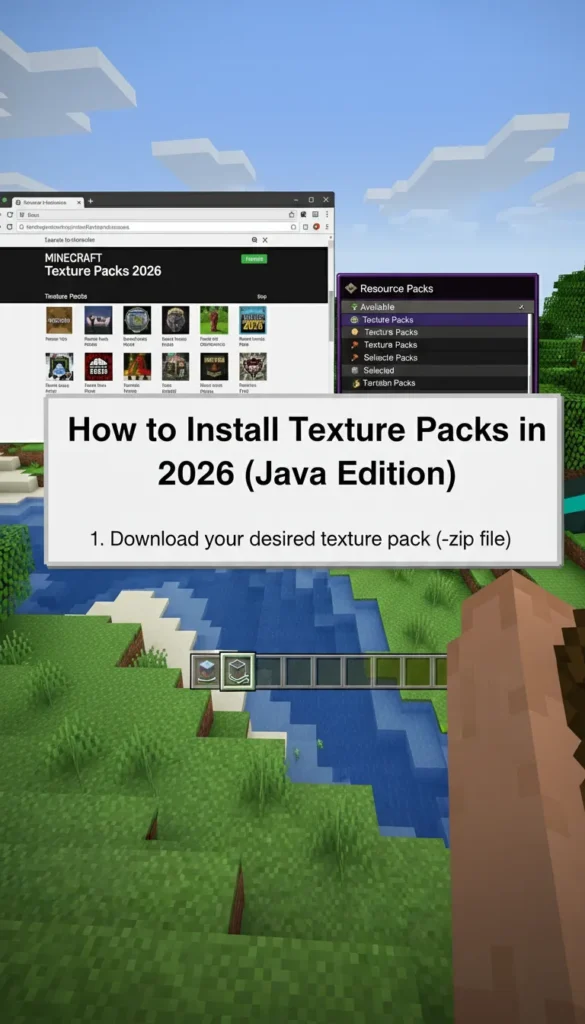
How to Install Texture Packs in 2026 (Java Edition)
- Download the texture pack you like.
- Open Minecraft → Go to Options.
- Click Resource Packs.
- Click Open Pack Folder.
- Drop your downloaded ZIP file into the folder.
- Return to Minecraft and enable the pack.
Optional:
Add shaders to boost lighting and reflections.
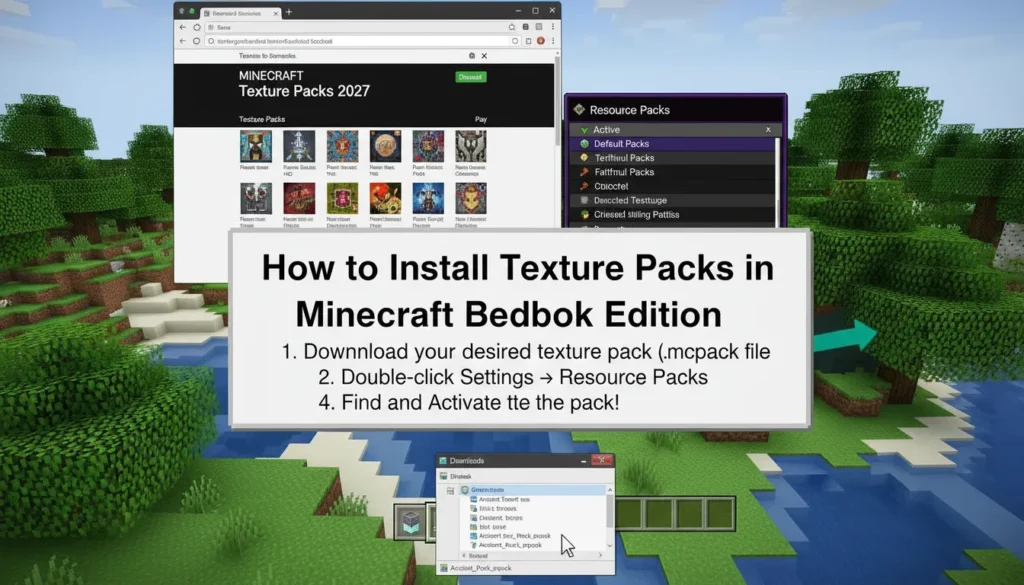
How to Install Texture Packs on Bedrock Edition
- Download the .mcpack file.
- Tap or click the file to auto-import into Minecraft.
- Go to Settings → Global Resources.
- Enable the texture pack.
It works instantly on mobile, PC, console, and tablets.
Tips to Improve Visual Quality Even More
If you want next-level visuals, try combining texture packs with:
1. Shaders
Most HD packs look stunning with shaders.
2. OptiFine (Java)
Improves performance while supporting HD textures.
3. Performance Mods
Conclusion
Texture packs in 2026 have evolved massively, offering stunning HD realism, creative styles, and smooth performance upgrades for both Java and Bedrock editions. Whether you enjoy exploring, building, or surviving, the right texture pack can make your world feel brand-new.
Minecraft’s blocky style will always be iconic, but with the right upgrades, you can turn your game into a cinematic masterpiece or a colorful cartoon wonderland.